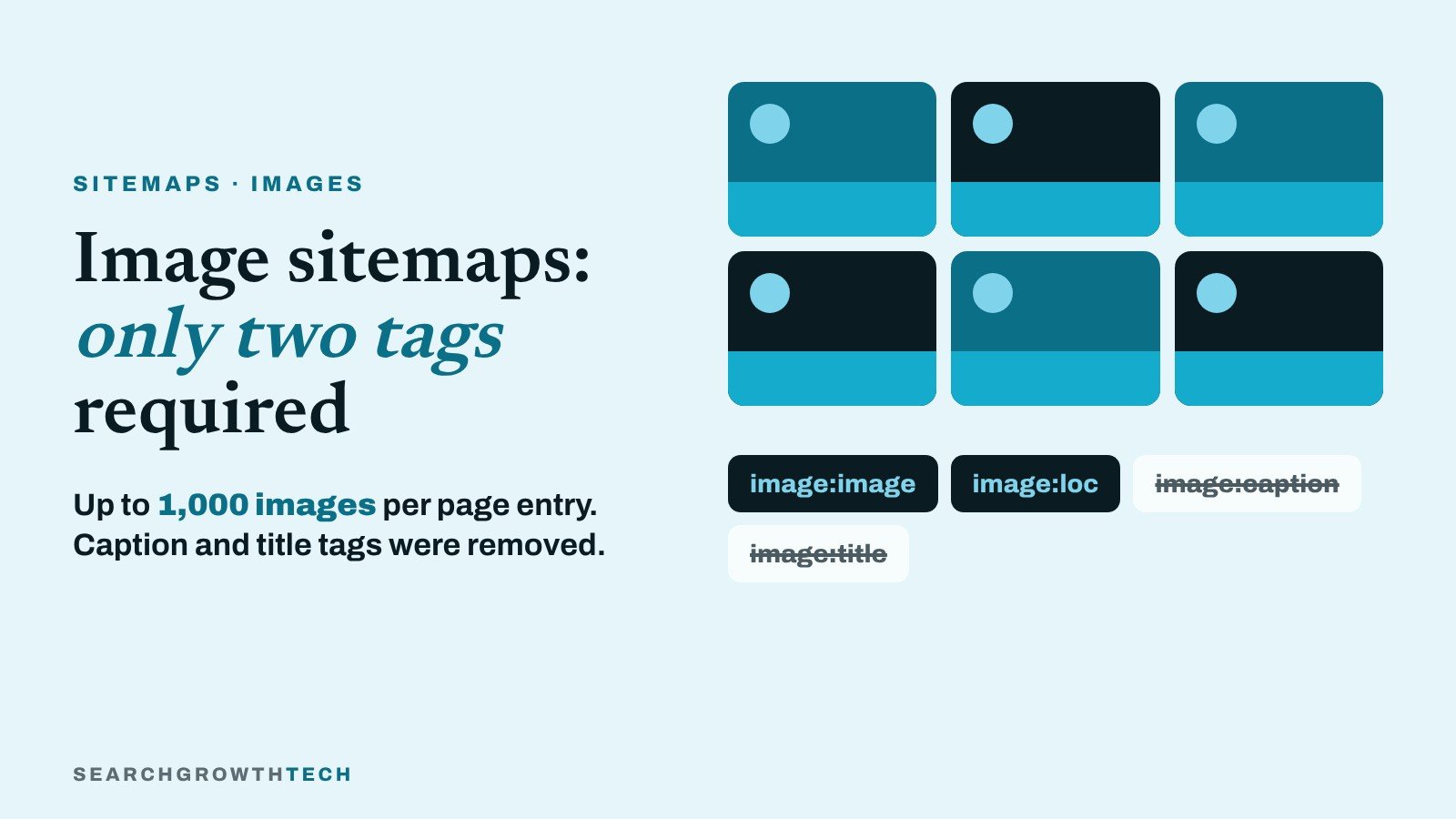
Google usually finds images by crawling your pages. But images loaded by JavaScript, galleries behind scripts, or images hosted on a CDN can be missed. Image sitemaps tell Google about them directly. They’re also simpler than many guides suggest: Google removed several image sitemap tags from its documentation, and only two are required now.
In short: an image sitemap lists images on your pages that Google might otherwise miss. You can create a separate image sitemap or add image tags to your existing sitemap, and Google says “either approach is equally fine.” Each <url> can contain up to 1,000 <image:image> tags. Only <image:image> and <image:loc> are required. Google removed <image:caption>, <image:geo_location>, <image:title> and <image:license> from its documentation. Images can be on another domain, such as a CDN, if you verify both domains in Search Console. Facts below were checked against Google Search Central on 5 November 2026. See our hub guide to XML sitemaps.
Do You Need an Image Sitemap?
| Probably yes | Probably not |
|---|---|
| Images load via JavaScript or galleries | Images are standard <img> tags in your HTML |
| Image search drives traffic, e.g. ecommerce, recipes, photography | Images are decorative |
| Images are on a CDN or separate domain | Images are on the same domain and well linked |
Image Sitemap Format
<urlset xmlns="http://www.sitemaps.org/schemas/sitemap/0.9"
  xmlns:image="http://www.google.com/schemas/sitemap-image/1.1">
  <url>
    <loc>https://example.com/red-sneakers/</loc>
    <image:image>
      <image:loc>https://cdn.example.com/red-sneakers-side.jpg</image:loc>
    </image:image>
  </url>
</urlset>
| Tag | Status |
|---|---|
| <image:image> | Required. Wraps one image |
| <image:loc> | Required. The image URL |
| <image:caption> | Removed from Google’s documentation |
| <image:title> | Removed |
| <image:geo_location> | Removed |
| <image:license> | Removed |
The <loc> is the page where the image appears. The <image:loc> is the image file itself.
Rules to Follow
- Up to 1,000 images per page entry.
- Separate or combined: add image tags to your main sitemap, or create a dedicated one. Both work equally for Google.
- CDN images: image URLs can be on another domain if both domains are verified in Search Console.
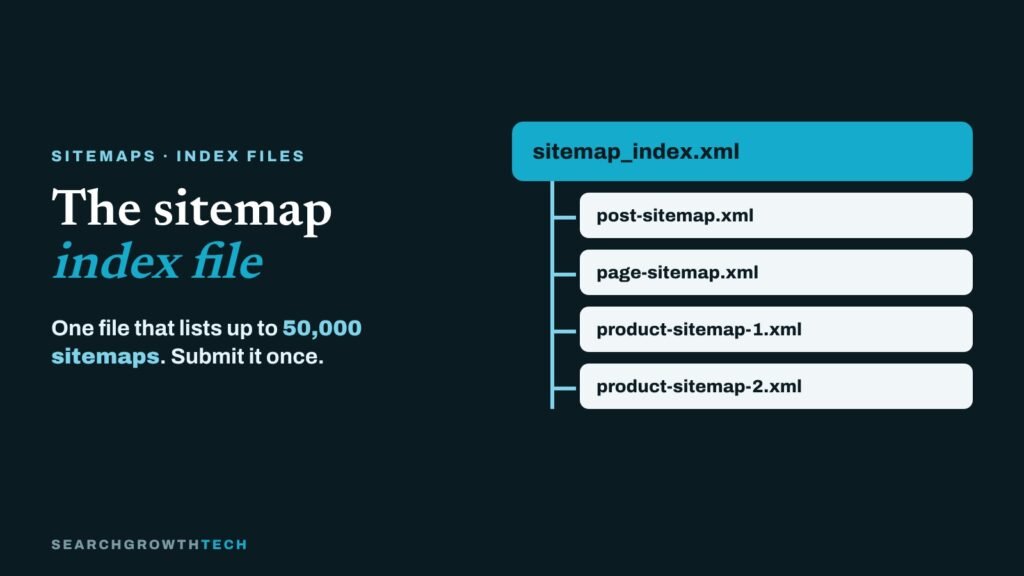
- Normal sitemap limits apply: 50,000 URLs or 50MB per file.
Where the Old Tags’ Jobs Went
| Removed tag | What to do instead |
|---|---|
| caption and title | Write descriptive alt text and surrounding text on the page |
| license | Use image license structured data on the page |
| geo_location | Describe the location in page content |
Image SEO Beyond the Sitemap
- Use descriptive file names, such as red-sneakers-side.jpg rather than IMG_2041.jpg.
- Write alt text that describes the image.
- Place images near relevant text.
- Don’t block image folders in robots.txt if you want them in search.
How to Check Image Indexing
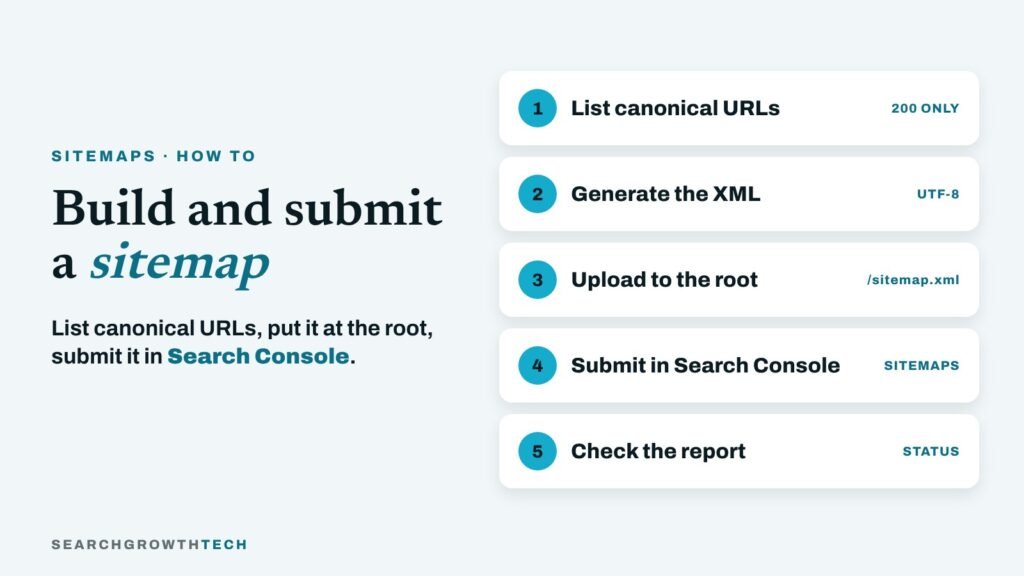
- Submit the sitemap in Search Console.
- Check the Sitemaps report for errors.
- Look at the Performance report filtered to Image search type.
If you need to keep images out of Google instead, see our guide on removing pages from Google.
Key Takeaways
- Image sitemaps help Google find images it might miss.
- Only <image:image> and <image:loc> are required.
- Caption, title, geo_location and license tags were removed from Google’s docs.
- Up to 1,000 images per page entry. CDN images work if both domains are verified.
FAQs
What Is an Image Sitemap?
A sitemap, or sitemap tags, listing images on your pages so Google can find them.
Do I Need a Separate Image Sitemap?
No. Google says adding image tags to your existing sitemap is equally fine.
How Many Images Can I List per Page?
Up to 1,000 per <url> entry.
Does Google Still Use Image Captions in Sitemaps?
No. Google removed the caption tag from its documentation.
Can I List Images Hosted on a CDN?
Yes, if you verify both domains in Search Console.
Does WordPress Include Images in Sitemaps?
Some SEO plugins add image entries automatically. Check your plugin’s settings.