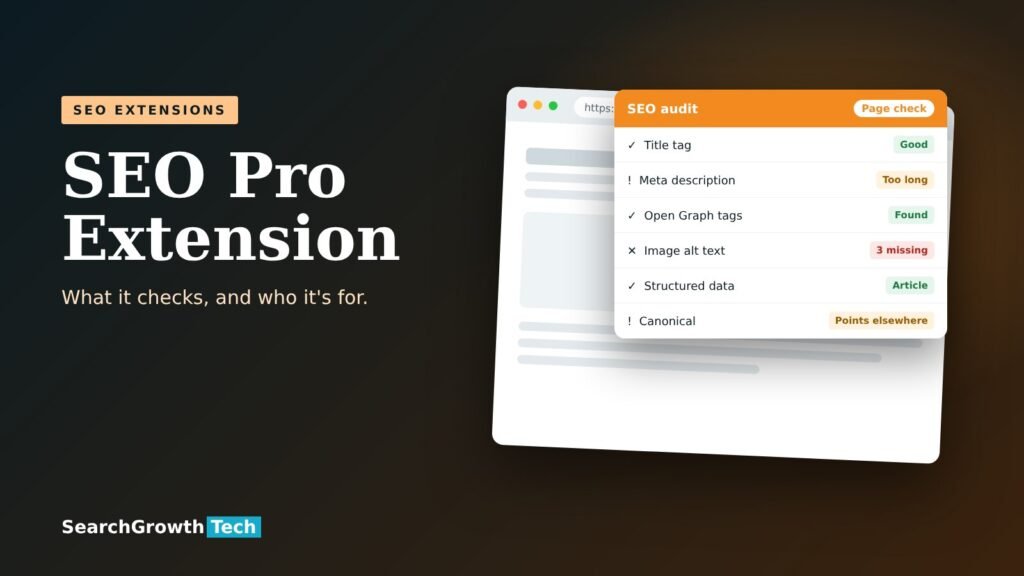
SEO META in 1 CLICK is a free Chrome extension that shows a page’s meta data and main on-page SEO signals in a single popup. Click the icon and you get the title, meta description, canonical URL, robots directive, heading outline, image and link counts, and social tags, without opening the page source.
It’s built for SEOs, content editors, developers and agency staff who check pages all day and want a quick answer to “is this page set up properly?” It’s also simple enough for site owners who are new to on-page SEO.
Our verdict in one line: it’s one of the fastest ways to spot-check a single page’s on-page basics, but it hasn’t been updated since August 2024 and it is not a replacement for a site crawler.
What Is SEO META in 1 CLICK?
SEO META in 1 CLICK is a browser extension that reads the HTML of the page you are viewing and lays out the elements that matter most for search. The Chrome Web Store listing describes it as a tool that “displays all meta data and main SEO information.”
The idea is speed: no viewing source and searching for tags one by one. Character counts for the title and description are included, so you can tell at a glance if either is likely too long or missing.
The extension is published under the seo-extension.com website. The store page does not give a company or personal developer name, and the developer has not identified itself as a trader.
Key Facts
| Item | Detail |
|---|---|
| Developer | seo-extension.com (no company name listed) |
| Price | Free |
| Users | 1,000,000 (as shown on the Chrome Web Store) |
| Rating | 4.9 out of 5 from about 1.3K ratings |
| Version | 2.67 |
| Last updated | August 31, 2024 |
| Size | 462 KiB |
| Language | English |
| Works on | Google Chrome (desktop) |
Main Features
The store description lists the data points the extension reports. Here is how they group together in practice.
Title, Description And Character Counts
The popup shows the page title and meta description along with the length of each. This is the feature most people install it for. It makes it easy to catch missing descriptions, duplicated boilerplate titles or titles that are likely to be cut off in search results.
URL, Canonical And Meta Robots
You see the current URL next to the canonical URL declared in the page. A mismatch is often worth a second look, especially on filtered category pages, paginated archives and pages with tracking parameters.
The meta robots value is shown as well, so a stray noindex or nofollow on a page that should rank stands out quickly.
Heading Structure (H1 To H6)
The extension lists every heading from H1 to H6 in the order it appears in the HTML. That shows the outline a crawler reads, not the one the design presents. Common problems are easy to spot: no H1, several H1s, headings used for styling, or skipped levels that make the outline hard to follow.
Images And ALT Text
You get a count of images on the page and how many have ALT text versus how many do not.
Links
The links data counts total links, internal links and unique links. It won’t replace a full internal linking audit, but it helps flag pages with very few internal links or pages stuffed with hundreds of them.
Open Graph And Twitter Data
Social tags are shown in their own view, covering Open Graph and Twitter card data. It’s a fast first check when a shared link shows the wrong image or title.
Robots.txt And Sitemap.xml
The extension gives you quick access to the site’s robots.txt and sitemap.xml files.
External Tools
The listing also mentions built-in shortcuts (the store copy calls them “Eternal Tools”) that send the current page to outside checks. According to the description, these cover HTML and CSS improvement suggestions, Google rich snippet checks and PageSpeed analysis. Treat these as launch points: the actual analysis happens in those external tools, not inside the extension.
How To Use It For A Quick On-Page Audit
Once added from the Chrome Web Store, a single-page check takes a couple of minutes.
- Open the page you want to review in Chrome and let it load fully.
- Click the SEO META in 1 CLICK icon in your toolbar. Pin it first if you’ll use it often.
- Read the title and description and their character counts. Note anything missing, duplicated or clearly too long.
- Compare the URL with the canonical. Confirm the canonical points where you expect.
- Check the meta robots value. Make sure pages you want indexed are not set to noindex.
- Review the heading list. Look for a single clear H1 and a logical order beneath it.
- Check the image counts and note how many images are missing ALT text.
- Glance at the link counts and the social tags.
- Open robots.txt or the sitemap from the extension if you need to confirm crawl access.
- Use the external tool shortcuts if you want a rich results or page speed check on the same URL.
Run this on a few key templates and you’ll catch most template-level issues before a full crawl.
Who It’s Best For
- SEOs and agency teams who review client pages daily and need a quick, consistent check.
- Content editors who want to confirm titles, descriptions and headings before or after publishing.
- Developers and QA testers checking that canonical and robots tags shipped correctly on staging or after a release.
- Site owners learning on-page SEO who want to see what search engines read on their pages.
It’s less suited to anyone who needs site-wide data, historical tracking or keyword research. Those jobs need a crawler or a full SEO platform.
Pros And Cons
| Pros | Cons |
|---|---|
| Free with no paid tier mentioned | No update since August 31, 2024 |
| Core on-page data in one popup | Works one page at a time only |
| Title and description character counts | Developer is not named beyond its website |
| Headings shown in HTML order | External tool shortcuts depend on third-party sites |
| Quick access to robots.txt and sitemap.xml | No exports or reports mentioned in the listing |
| Large user base and a 4.9 rating | English only |
Privacy And Permissions
On its Chrome Web Store privacy disclosure, the developer states that it will not collect or use your data. The listing also declares that data is not sold to third parties, not used for purposes unrelated to the extension’s core function, and not used for creditworthiness or lending.
The store page we reviewed does not list the specific browser permissions. Chrome shows the requested permissions when you click to add the extension, so read that prompt before you confirm.
Two other points are worth knowing. The developer has not identified itself as a trader, so the store notes that EU consumer rights don’t apply to contracts with it. And because the last update was in August 2024, agencies with strict browser policies may want to review it before rolling it out across a team.
Alternatives
If you want a second opinion on the same page, two other extensions in this series cover similar ground.
- Detailed SEO Extension is another free on-page overview tool. Read our Detailed SEO Extension review for its features and trade-offs.
- SEO Pro Extension takes a similar one-click approach to page-level checks. See our SEO Pro Extension review for how it compares.
Find every review in our SEO Extensions section.
Our Verdict
SEO META in 1 CLICK does one job well. It puts a page’s title, description, canonical, robots tag, headings, image ALT counts, links and social tags in front of you with a single click, and it’s free. Its user count and rating suggest plenty of practitioners rely on it.
The main caution is maintenance. With no update since August 2024, keep an eye on whether it continues to work as Chrome changes. For quick spot checks, it remains an easy recommendation. For anything site-wide, pair it with a proper crawler.
Key Takeaways
- SEO META in 1 CLICK is a free Chrome extension that shows a page’s key on-page SEO data in one popup.
- It covers title and description with lengths, canonical, meta robots, H1 to H6 headings, image ALT counts, links, Open Graph and Twitter data.
- It links to robots.txt, sitemap.xml and outside checks for HTML, CSS, rich snippets and PageSpeed.
- The developer states it does not collect or use your data.
- Version 2.67 was last updated on August 31, 2024, so it suits spot checks rather than being your only audit tool.
FAQs
Is SEO META in 1 CLICK Free?
Yes. The Chrome Web Store listing shows no price, and no paid plan is mentioned in the description.
Does SEO META in 1 CLICK Collect My Data?
According to the developer’s privacy disclosure on the Chrome Web Store, it will not collect or use your data. Check the permissions Chrome shows when you add it.
Can It Audit A Whole Website?
No. It reports on the page you have open. For site-wide issues such as duplicate titles across many URLs or broken internal links, use a crawler alongside it.
How Is It Different From Viewing Page Source?
It reads the same HTML, but pulls the SEO-relevant tags into one organized view with character counts and tallies. That saves you searching the source for each tag by hand.
Is SEO META in 1 CLICK Still Maintained?
The current version, 2.67, was last updated on August 31, 2024. It is still listed in the Chrome Web Store, but there’s been no newer release since then.