SafeSearch is one of the oldest machine learning systems in Google Search, and one of the least understood by site owners. It decides which results are explicit and hides or blurs them for people who don’t want to see them. Get caught by it by mistake, and your pages can disappear for a large share of searchers.
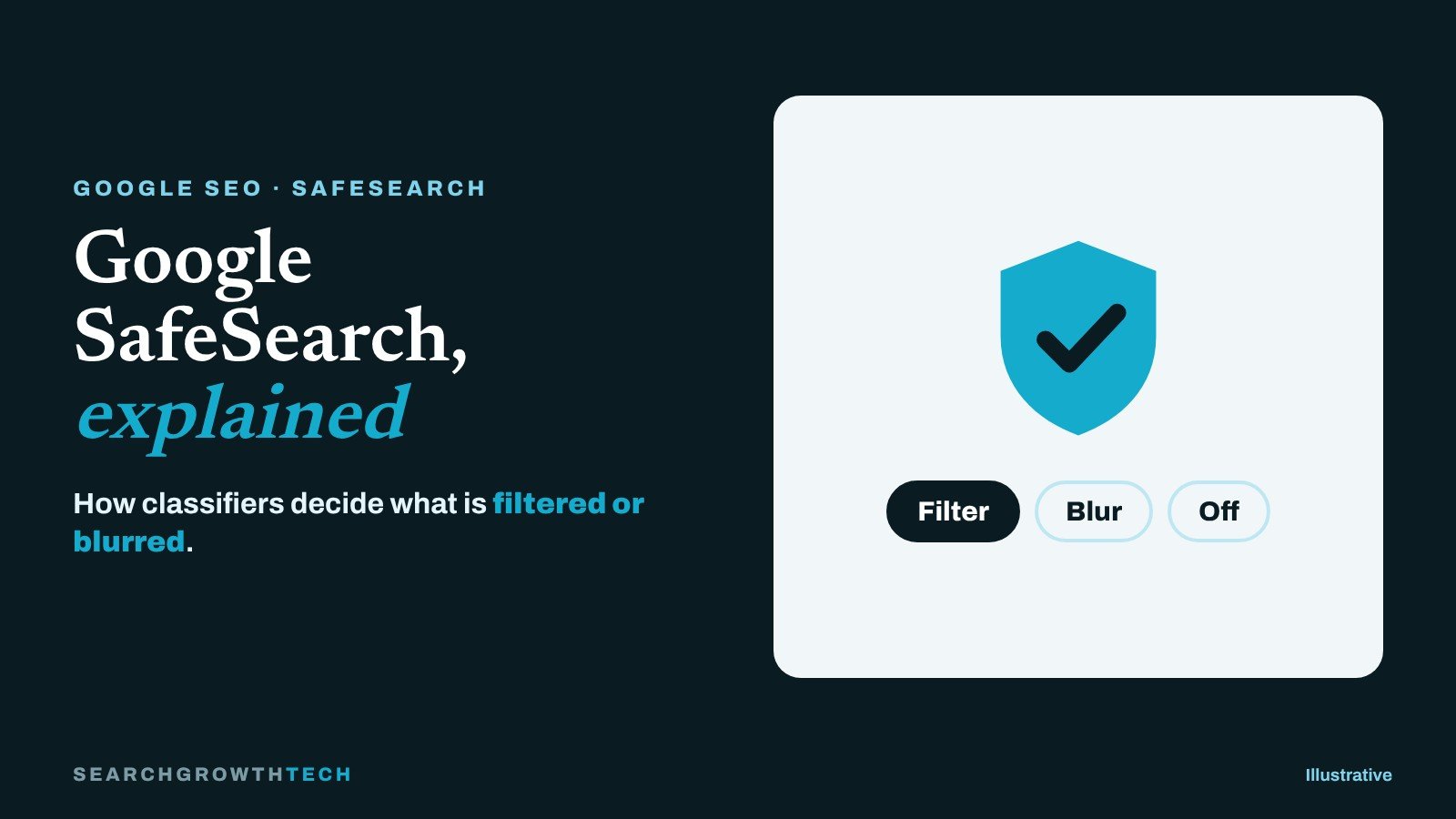
In short: SafeSearch uses machine learning classifiers that look at the text, images and videos on a page and on linked pages to judge how explicit it is. That signal hides explicit results when SafeSearch is set to Filter, blurs explicit images when it is set to Blur, and shows everything when it is Off. If your site is wrongly flagged, fix common causes such as an adult rating tag or age gates, wait two to three months, then request a review.
How SafeSearch Works
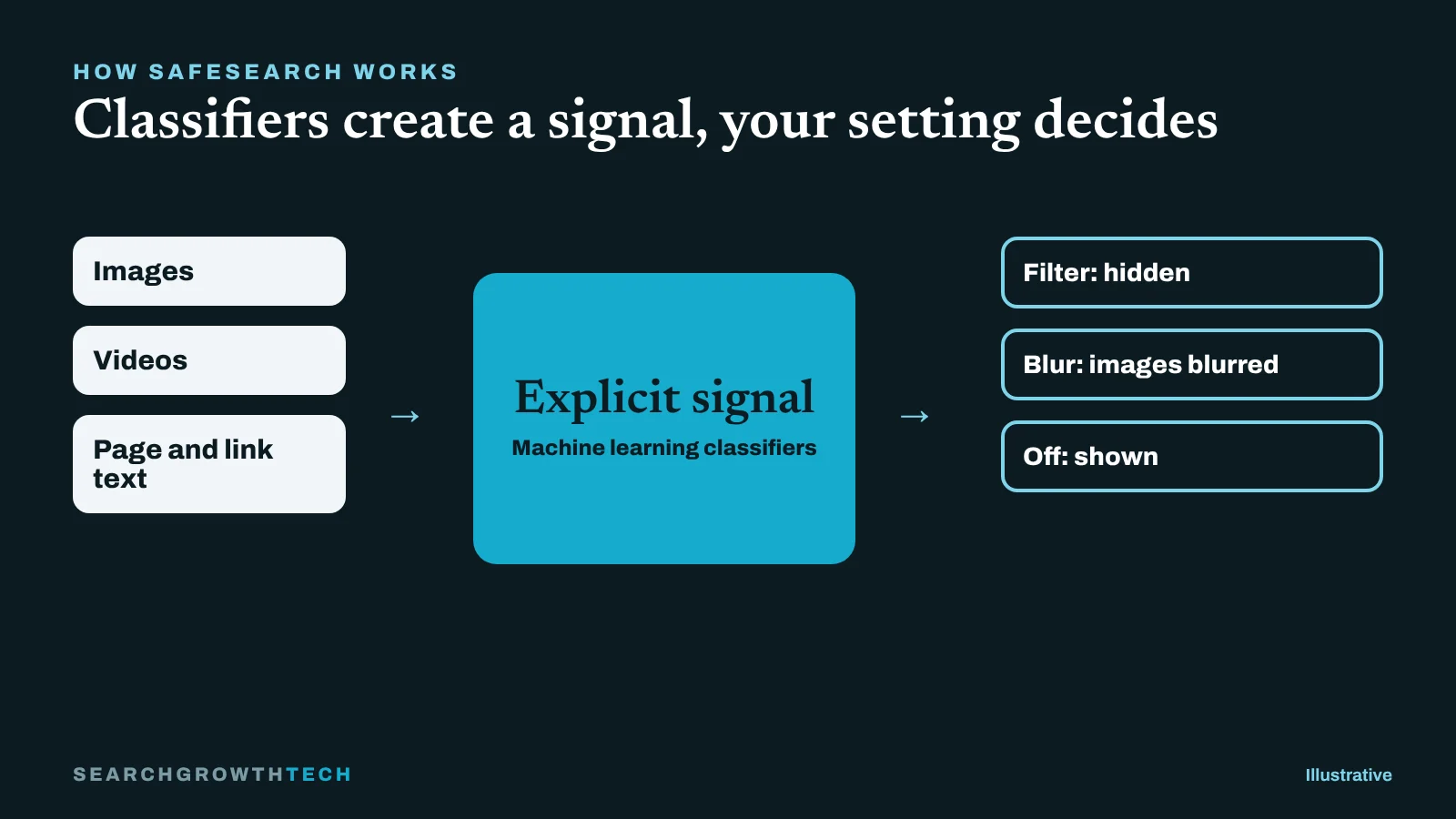
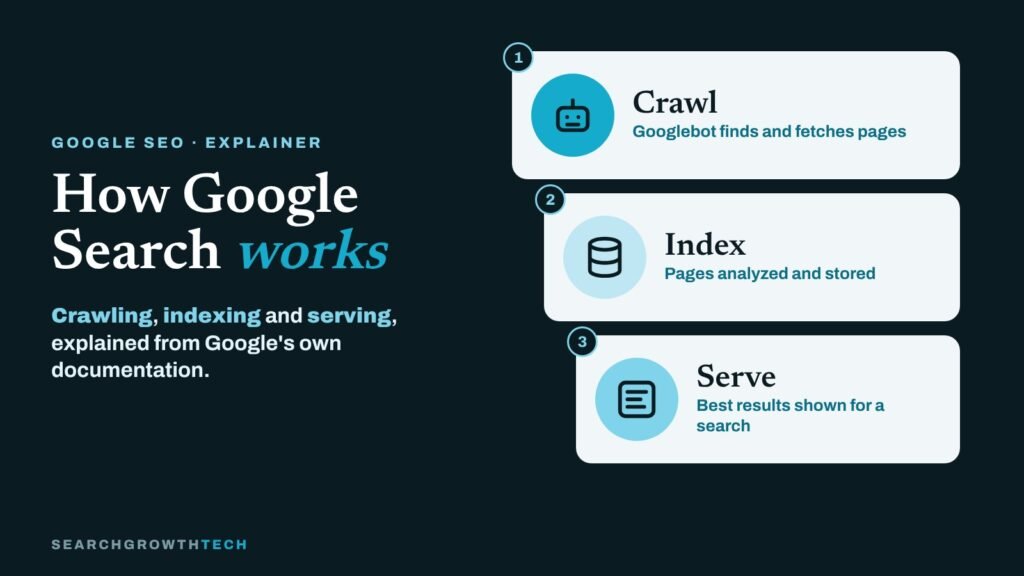
Google’s SafeSearch guidelines for site owners say its automated systems use machine learning and many signals to identify explicit content, including text, images and videos on the hosting page and on linked pages. Google also says its ranking systems limit explicit results even when SafeSearch is off or set to blur.
On Search Off the Record episode 109, Nikola Todorovic, who leads Google’s SafeSearch engineering team, explained why it was one of the first places Google could apply machine learning directly in Search. It could be isolated from the main ranking flow. Separate systems process images, videos and text and produce a signal on their own, such as how explicit a result might be.
He said convolutional neural networks began improving image understanding about 12 years ago, and in many cases were already understanding images better than humans. Because SafeSearch was isolated, engineers could improve its models without disturbing the rest of Search.
SafeSearch Settings: Filter, Blur and Off
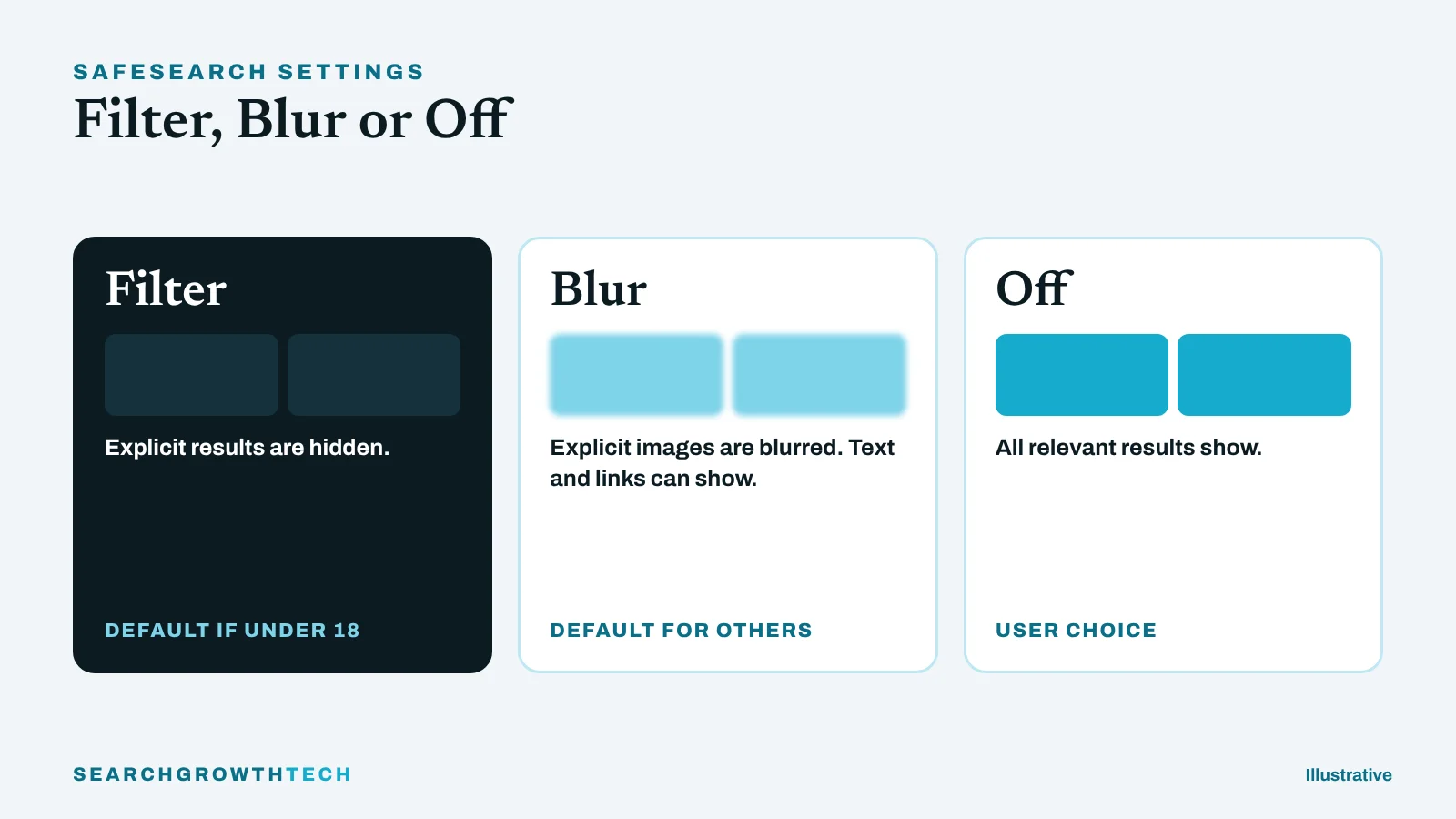
| Setting | What it does | When it is the default |
|---|---|---|
| Filter | Hides explicit results, including images, text and links | When Google’s systems indicate a user may be under 18 |
| Blur | Blurs explicit images, but explicit text and links can still show | For other users when Filter doesn’t apply |
| Off | Shows all relevant results, which may include explicit content | Never by default |
According to Google’s SafeSearch help page, parents, schools and network administrators can lock SafeSearch on Filter.
How to Label Explicit Content Correctly
If your site does host explicit content, Google recommends labeling it clearly:
- Add
<meta name="rating" content="adult">to sexually explicit pages. Google also recognizescontent="RTA-5042-1996-1400-1577-RTA", and you only need one. - For explicit videos, set
<video:family_friendly>tonoin your video sitemap. - If you host a lot of both explicit and non-explicit content, put the explicit pages on a separate domain or subdomain.
- Let Googlebot fetch your video files, and don’t put non-explicit images or videos behind an age gate.
Why a Site Gets Flagged by Mistake
Google’s troubleshooting guide lists the most common causes:
- An adult rating meta tag on pages that aren’t explicit. SafeSearch filters every page with that tag, whatever the content.
- Marking non-explicit videos as not family friendly in a video sitemap.
- Unmoderated user comments or uploads that contain explicit material.
- An age gate that blocks Googlebot, which can make the whole site look explicit.
- Mixing a large amount of explicit and non-explicit content on one domain.
Blurring images doesn’t always help. Google says a page can still count as explicit if its images can be unblurred or link to unblurred versions.
How to Check and Fix a SafeSearch Problem
- Check one page. With SafeSearch off, search for a term that shows the page, then switch to Filter. If it disappears, it is being filtered.
- Check the whole site. Run a
site:search and switch to Filter. If the site disappears, the whole site is being filtered. - Fix the causes listed above.
- Wait, then request a review. Google says its classifiers can take up to two to three months to reprocess content. Request a review only after that, unless your site always followed the guidance.
Explicit pages also aren’t eligible for some search features, including rich results, featured snippets and video previews, even when SafeSearch is off.
Medical, Educational and Artistic Content
SafeSearch is about what content shows, not why it is shown. Google’s guidance has said nudity can still be treated as explicit even when it illustrates a medical procedure. Health, art and education sites with this kind of material should expect some pages to be filtered, label pages carefully and avoid applying the adult rating tag to pages that aren’t explicit.
User-Generated Content
Forums, comment sections and upload features can pull a whole site into SafeSearch if explicit material goes unmoderated. Google lists unmoderated user content as a common cause of wrong flags. Practical steps include:
- Moderate uploads and comments, or hold new users’ posts for review.
- Use automated image screening for uploads where possible.
- Remove explicit material quickly and keep it off indexable pages.
- Keep any intentionally adult section on its own subdomain.
SafeSearch and Image or Video SEO
SafeSearch has a bigger effect on image and video results, because those are what Blur and Filter act on most visibly. Make sure Googlebot can fetch your images and video files, use accurate video sitemap labels and avoid age gates on content that isn’t explicit. Google says blocking access to video files can lead to demotion of pages with explicit content, while letting Googlebot fetch them helps its systems classify the content correctly.
For more on how classifiers like these fit into Search, see our timeline of machine learning in Google Search.
SafeSearch Checklist for Site Owners
- Only use the adult rating tag on sexually explicit pages.
- Label explicit videos correctly in your video sitemap, and only those.
- Keep large amounts of explicit content on a separate domain or subdomain.
- Moderate user uploads and comments.
- Don’t block Googlebot with age gates on content that isn’t explicit.
- Test pages and your whole site with SafeSearch set to Filter.
- After fixes, wait two to three months before requesting a review.
Key Takeaways
- SafeSearch uses machine learning classifiers on text, images and video.
- Its signal hides, blurs or shows explicit results based on the user’s setting.
- Filter is the default for users who may be under 18, and Blur for most others.
- Label explicit content with the adult rating tag and separate it from other content.
- Wrongly flagged sites should fix common causes and wait two to three months before a review.
More in our Google SEO section.
FAQs
How does Google SafeSearch know what is explicit?
It uses machine learning and signals from the text, images and videos on a page and on linked pages.
Why is my site hidden by SafeSearch?
Common causes are an adult rating tag on normal pages, age gates that block Googlebot, unmoderated user uploads, or explicit content mixed into the main site.
How long does a SafeSearch fix take?
Google says classifiers can take up to two to three months to reprocess a site after changes.
Does SafeSearch affect rankings when it is off?
Google says its ranking systems still limit explicit results when SafeSearch is off or set to blur, and explicit pages can’t get some features such as rich results.