WordPress.org published a short but urgent notice on 21 October 2026: the PHP project had released fixes for two critical vulnerabilities, and site owners should update PHP immediately. Two weeks later, many WordPress sites are still running unpatched PHP, often because owners assume a WordPress update covers it. It does not.
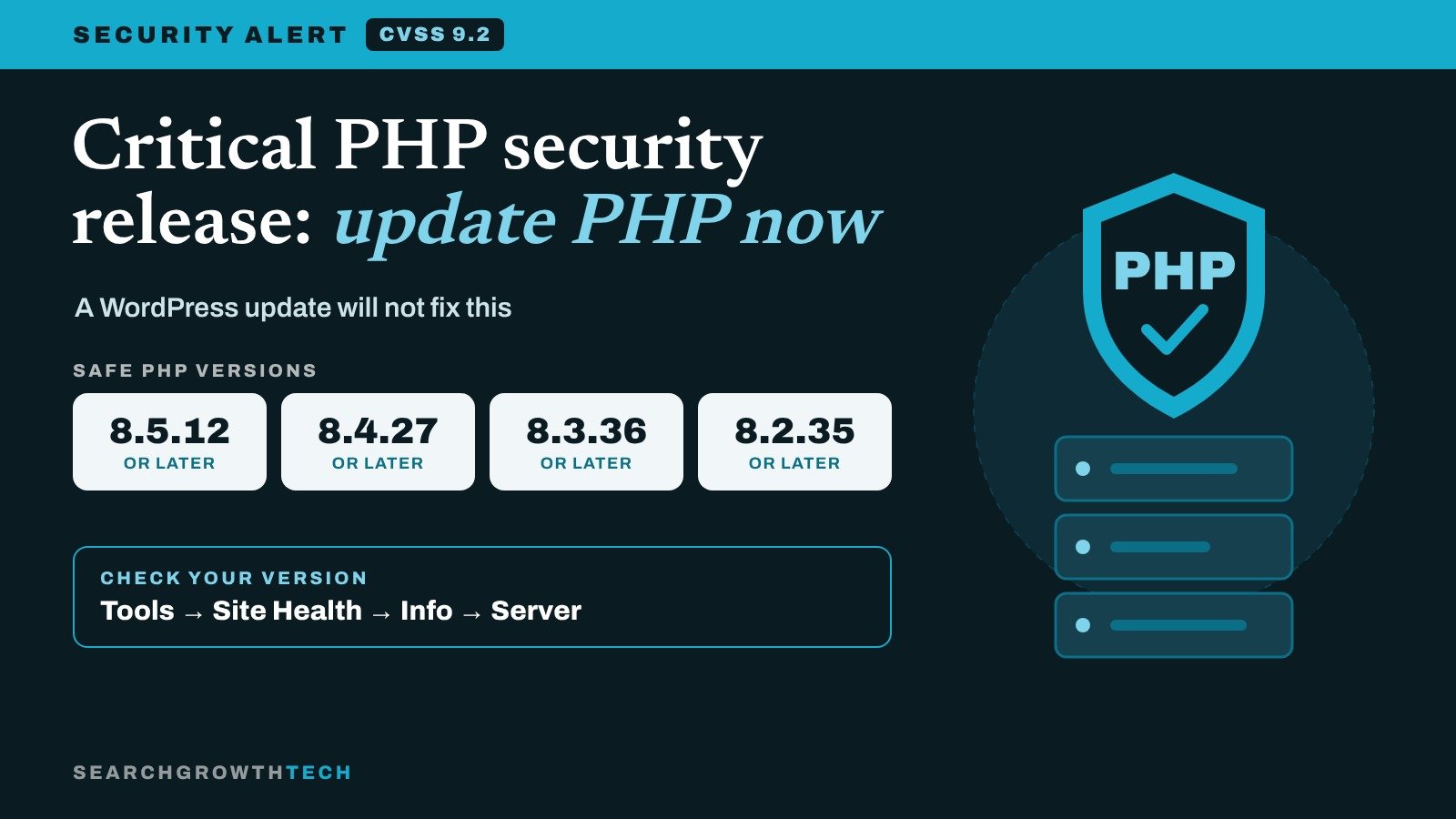
In short: PHP 8.5.12, 8.4.27, 8.3.36 and 8.2.35 fix two critical vulnerabilities, CVE-2026-109618 and CVE-2026-109619, that can allow unauthenticated remote code execution. They affect the server, not WordPress itself, so no WordPress update fixes them. Check your PHP version under Tools, then Site Health, then Info, then Server, and make sure your host has updated it. If you run PHP 8.1 or older, move to a supported version.
Here is what happened, how to check your site, and exactly what to do depending on how you host WordPress.
What Happened
| Date (2026) | Event |
|---|---|
| 20 October | The PHP security team gave advance notice of a critical security release |
| 21 October | PHP 8.5.12, 8.4.27, 8.3.36 and 8.2.35 released. WordPress.org published “Critical PHP Security Release” |
| 23 October | PHP disclosed a separate, lower-risk issue, CVE-2026-115560, to be fixed in a regular release |
| 26 October | PHP published updated Windows builds with a fix for a Brotli library issue |
| 28 October | WordPress 7.1.4 security release for WordPress core |
The Two Vulnerabilities
According to the PHP project’s security advisory, both issues can allow unauthenticated remote code execution. That means an attacker may be able to run code on the server without logging in. Wordfence reports that both are rated 9.2 on the CVSS v4.0 scale, which is in the critical range.
| CVE | What PHP says it is |
|---|---|
| CVE-2026-109618 | Remote code execution via out-of-memory corruption. Out-of-memory handling can interrupt PHP while internal request data is only partly set up, and cleanup may then treat that data as valid. |
| CVE-2026-109619 | Remote code execution via stale global state. Internal state from one request can survive after its memory is freed, and a later request on the same worker may use it. |
The security researchers at Wiz, who reported the issues, call them “PHP2Shell”. The PHP advisory says the risk applies to all PHP installations serving web requests, including PHP-FPM, Apache with mod_php, php-cgi, FrankenPHP and LiteSpeed. It considers the risk highest for Apache with mod_php.
Why a WordPress Update Will Not Fix This
WordPress is written in PHP, but PHP itself is server software. It is installed and updated separately, usually by your web host.
- WordPress core, plugin and theme updates do not change your PHP version.
- WordPress automatic updates will not apply the PHP fix.
- WordPress.org says these vulnerabilities “are not specific to WordPress” and that “no WordPress update is required or planned for these issues.”
The same applies to any PHP application, including Joomla, Drupal and custom sites.
Step 1: Check Your PHP Version
- In your WordPress dashboard, go to Tools, then Site Health.
- Open the Info tab and expand Server.
- Note the PHP version. Most hosting control panels show it too.
Then compare it with this table:
| Your PHP branch | Safe version | Support status |
|---|---|---|
| 8.5 | 8.5.12 or later | Active support |
| 8.4 | 8.4.27 or later | Active support |
| 8.3 | 8.3.36 or later | Security fixes only, until 31 December 2027 |
| 8.2 | 8.2.35 or later | Security fixes only, until 31 December 2026 |
| 8.1 or older | None from the PHP project | No longer supported |
One caution: Linux distributions and hosting providers sometimes apply fixes to an older version number. If your host says your PHP is patched but the number looks older, ask them to confirm in writing.
Step 2: Act Based on How Your Site Is Hosted
Managed or Shared WordPress Hosting
- Your host normally updates PHP for you. Check its status page or ask support whether the October security release has been applied.
- If your site is on PHP 8.1 or older, use the host’s control panel to move to 8.3 or 8.4, after testing.
VPS, Cloud or Dedicated Server
- You or your developer must apply the update. The PHP project says Linux distributions and long-term support vendors received the patches in advance, so check your OS package updates and control panel.
- Restart PHP-FPM or your web server after updating so the new version is actually running.
- For PHP 7.4, 8.0 or 8.1, the PHP team published minimal source backports for people who build from source. Upgrading to a supported version is the better long-term fix.
If You Cannot Update Today
The PHP advisory lists temporary measures, such as configuration changes to memory and request-size limits, that reduce exposure to specific attack paths. It is clear that these “do not make an installation safe” and only an update is a complete solution. Some hosts and firewall providers have also added web application firewall rules.
WordPress.org goes further for unsupported versions: if you run PHP older than 8.2 on a server you manage, it says to consider taking the server offline while you update, echoing advice from national cyber security agencies including the UK’s National Cyber Security Centre.
Step 3: Upgrade Safely
- Back up first. Take a full backup of files and database and confirm you can restore it.
- Test on staging. Older plugins and themes can break on newer PHP versions. Test key pages, forms and checkout.
- Update WordPress, plugins and themes. Up-to-date code is far more likely to work on PHP 8.3 and 8.4.
- Switch PHP and check again. Confirm the new version in Site Health and watch error logs for a day.
Also Update WordPress Core
Separately from the PHP issue, WordPress.org released WordPress 7.1.4 as a security release on 28 October 2026 and recommends updating immediately. According to reporting by The Hacker News, the US Cybersecurity and Infrastructure Security Agency (CISA) has added a WordPress core flaw, CVE-2026-119977, to its Known Exploited Vulnerabilities catalog. Check Dashboard, then Updates, and make sure you are on 7.1.4 or later.
What This Means for WordPress Site Owners and Agencies
Most WordPress security advice focuses on plugins and passwords. This release is a reminder that the server layer matters just as much, and that it sits outside WordPress’s update system.
If you manage several sites, keep a simple list of each site’s host, PHP version and who is responsible for updating it. When the next server-level advisory arrives, you will know within minutes which sites need action. For more WordPress news and guides, see our WordPress coverage.
Key Takeaways
- PHP 8.5.12, 8.4.27, 8.3.36 and 8.2.35 fix CVE-2026-109618 and CVE-2026-109619, which can allow unauthenticated remote code execution.
- WordPress updates do not change PHP. Your host or server admin must update it.
- Check your version under Tools, then Site Health, then Info, then Server.
- PHP 8.1 and older no longer get official fixes. Plan a move to 8.3 or 8.4.
- Also update WordPress core to 7.1.4, a separate security release.
FAQs
What Is the Critical PHP Security Release?
It is the 21 October 2026 release of PHP 8.5.12, 8.4.27, 8.3.36 and 8.2.35, which fixes two critical remote code execution vulnerabilities in PHP itself.
Do I Need to Update WordPress for This PHP Vulnerability?
No. WordPress.org says no WordPress update is required for these PHP issues. You need to update PHP on the server. WordPress 7.1.4 is a separate security release you should also install.
How Do I Know if My Host Has Updated PHP?
Check the PHP version in Site Health and compare it with the fixed versions. If the number is older, ask your host whether they applied a backported fix.
Is PHP 8.1 Safe to Use?
PHP 8.1 and older no longer receive security updates from the PHP project. Some vendors provide backported fixes, but upgrading to a supported version is recommended.
Will a Security Plugin Protect My Site?
A firewall may block some attack attempts, but these flaws are in PHP itself. Only updating PHP fully fixes them.
Will Updating PHP Break My WordPress Site?
It can if plugins or themes are outdated. Back up, update WordPress components, and test on a staging site before switching versions.