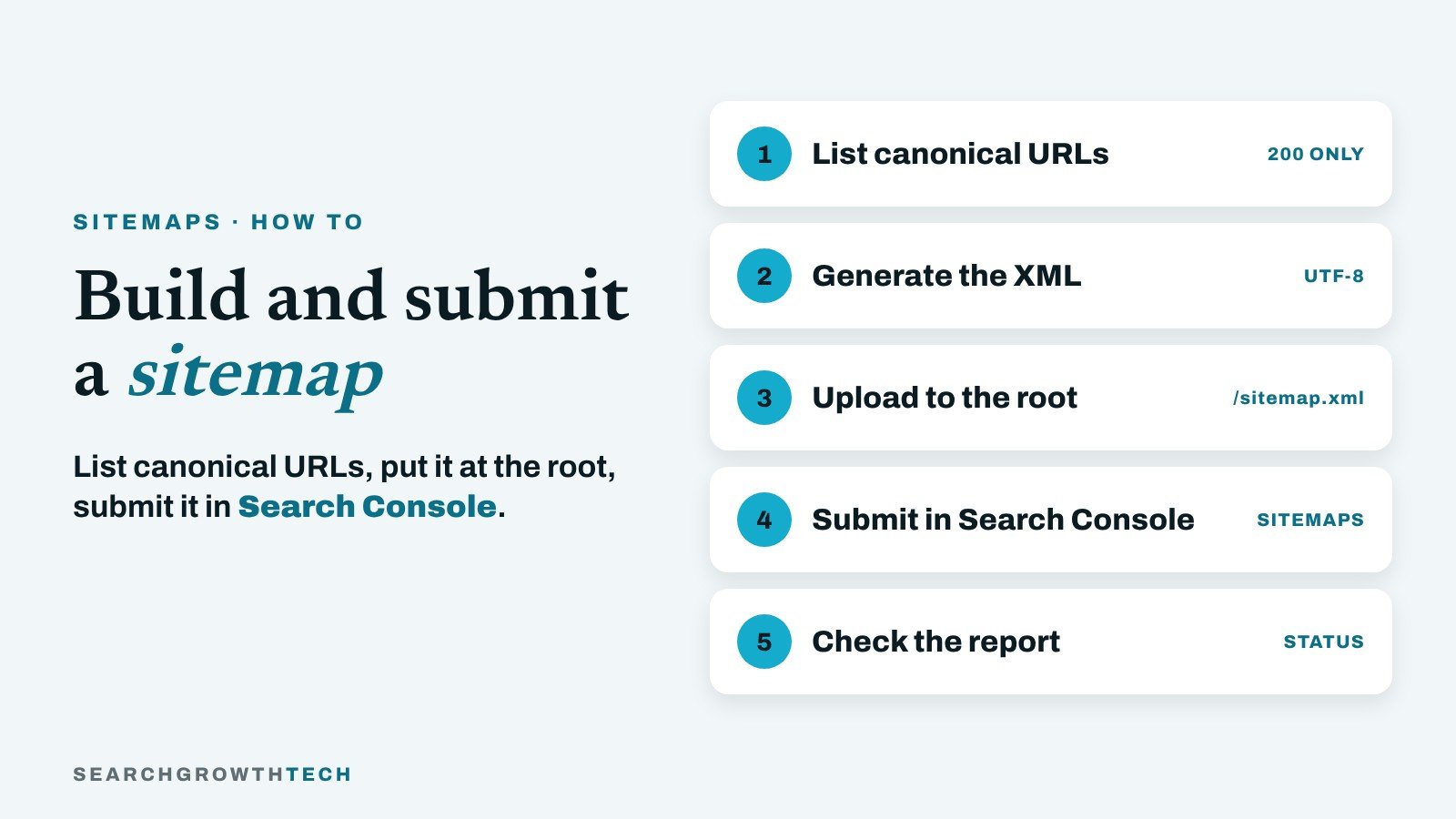
Building a sitemap takes minutes on most platforms. Getting it right takes a little more care: the wrong URLs, a broken format or a missed submission step can leave Google with an incomplete picture of your site. This guide walks through building and submitting a sitemap the way Google’s documentation describes it.
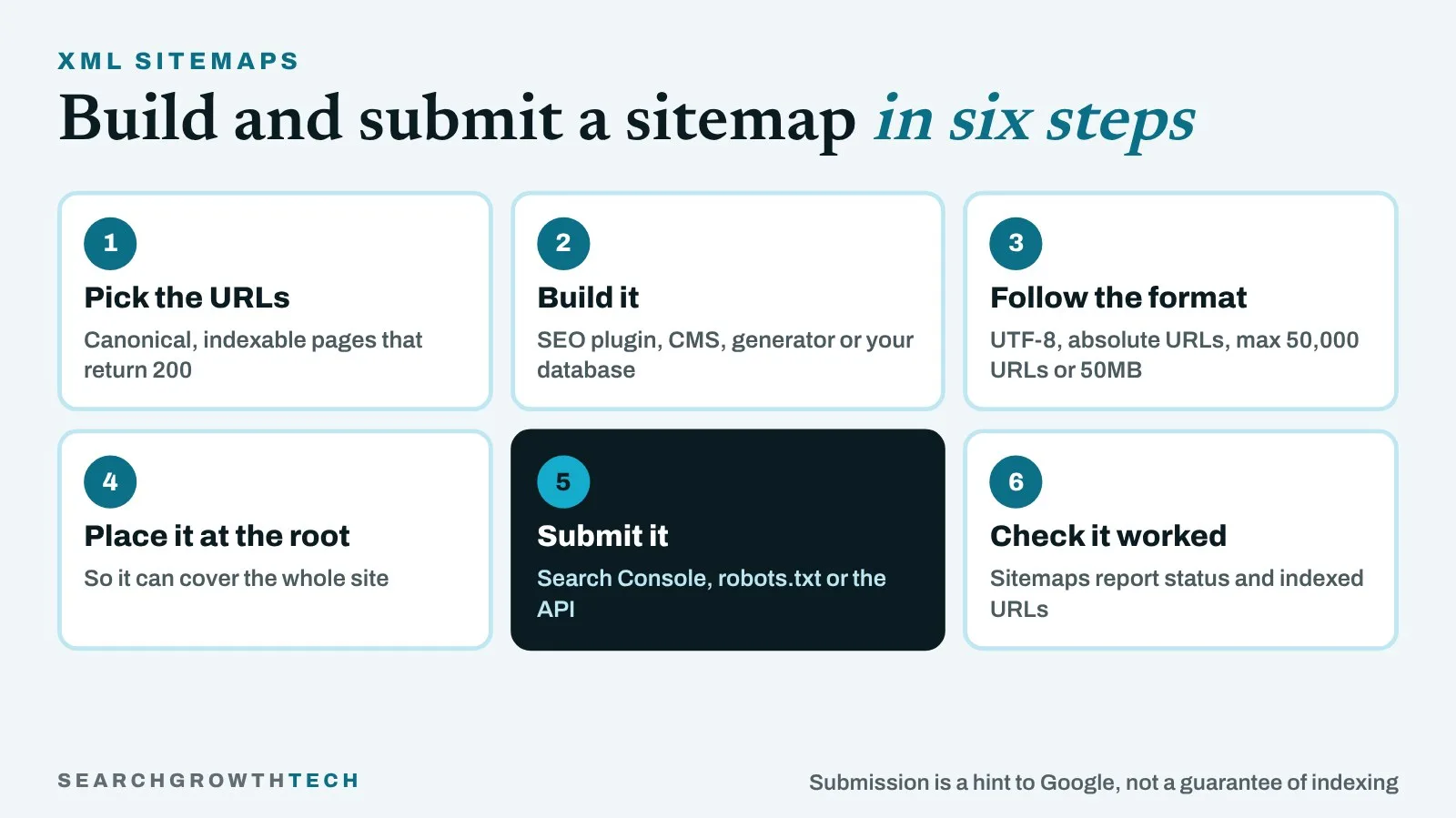
In short: to build a sitemap, list the canonical URLs you want in Google, in a UTF-8 encoded file, using absolute URLs, with no more than 50,000 URLs or 50MB uncompressed per file. Most CMSs, including WordPress with an SEO plugin, generate one automatically. Then submit it in Search Console’s Sitemaps report, add a Sitemap line to robots.txt, or use the Search Console API. Google says submission “is merely a hint”: it helps discovery but doesn’t guarantee crawling. Facts below were checked against Google Search Central on 5 November 2026. For background, see our hub guide to XML sitemaps.
Step 1: Decide Which URLs to Include
| Include | Leave out |
|---|---|
| Canonical URLs you want in search | Duplicate or parameter versions |
| Pages that return 200 | Redirected URLs |
| Indexable pages | Pages with noindex |
| Crawlable pages | Pages blocked by robots.txt |
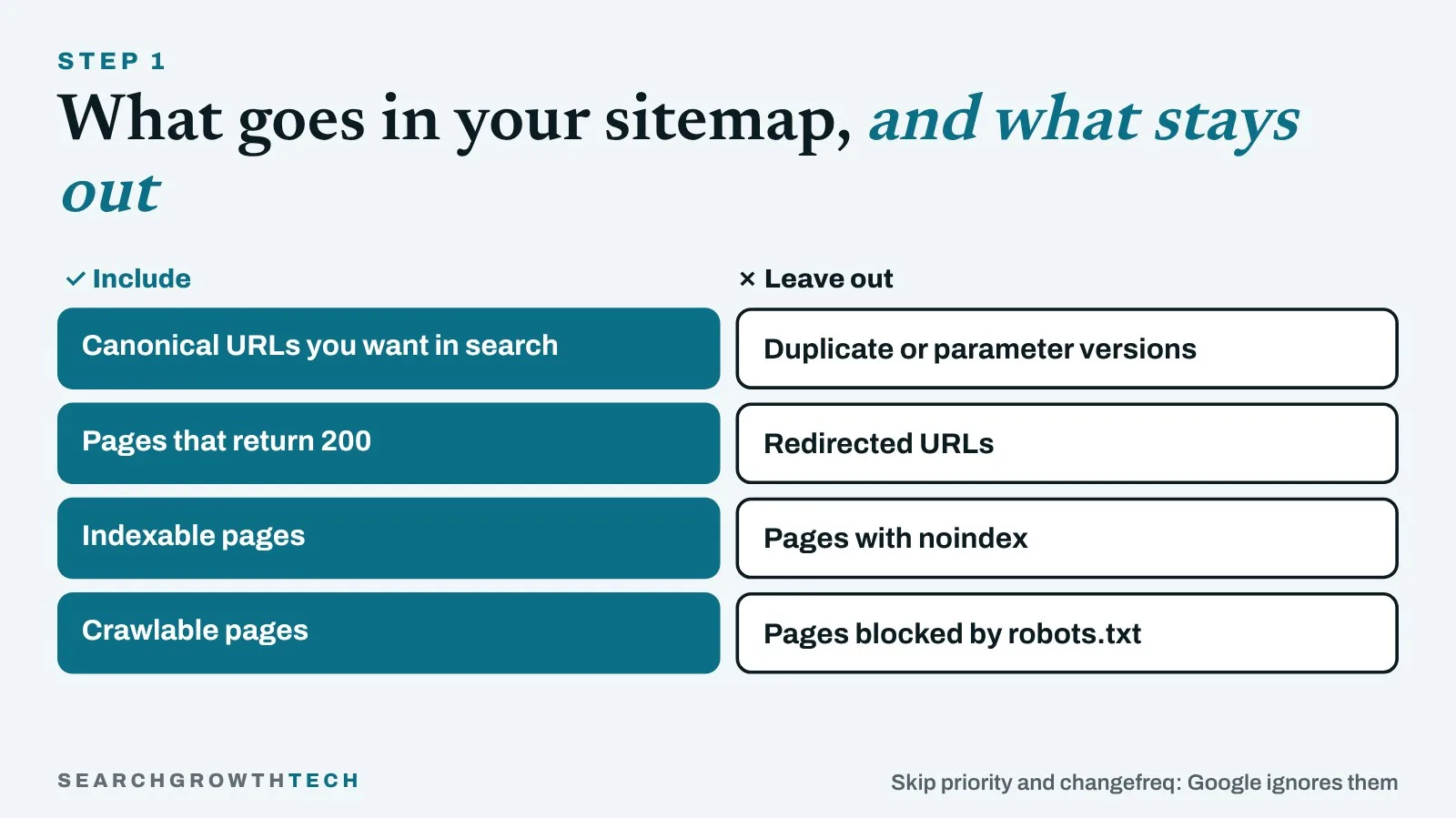
Google says sitemaps tell it which URLs you prefer to show in results, so list the canonical version of each page.
Step 2: Choose How to Build It
| Site type | Best method |
|---|---|
| WordPress | An SEO plugin such as Yoast or Rank Math, or WordPress’s built-in wp-sitemap.xml |
| Shopify, Wix, Squarespace | Generated automatically at /sitemap.xml |
| Custom site, under a few hundred pages | A sitemap generator tool, or write it by hand |
| Large custom site | Generate it from your database, split into several files |
Step 3: Follow Google’s Format Rules
- UTF-8 encoding.
- Absolute URLs such as https://example.com/page/, not /page/.
- 50,000 URLs or 50MB uncompressed per file, at most.
- Accurate lastmod dates, or none at all. Google only uses lastmod if it’s consistently and verifiably accurate.
- Skip priority and changefreq. Google ignores them.
A minimal XML sitemap:
<?xml version="1.0" encoding="UTF-8"?>
<urlset xmlns="http://www.sitemaps.org/schemas/sitemap/0.9">
  <url>
    <loc>https://example.com/services/</loc>
    <lastmod>2026-11-01</lastmod>
  </url>
</urlset>
Over the limits? Split the file and list the parts in a sitemap index file, which can reference up to 50,000 sitemaps.
Step 4: Put It in the Right Place
Google says a sitemap can live anywhere, but one at the site root “can affect all files on the site,” which is where it recommends posting it. A sitemap in a subfolder only covers URLs in that folder and below.
Step 5: Submit It to Google
| Method | How |
|---|---|
| Search Console | Sitemaps report, enter the URL, Submit |
| robots.txt | Add Sitemap: https://example.com/sitemap.xml anywhere in the file |
| Search Console API | For managing many sitemaps programmatically |
| WebSub | For RSS and Atom feeds |
The old sitemap ping URL was retired after Google announced it in June 2023, so don’t rely on it.
Step 6: Check It Worked
- In the Sitemaps report, confirm the status shows success.
- Check the number of discovered URLs.
- Open the Page Indexing report filtered to that sitemap to see indexed and excluded URLs.
- Fix errors such as unreachable URLs or invalid formatting, then resubmit.
Common Submission Errors
| Error | Likely cause |
|---|---|
| Couldn’t fetch | Wrong URL, blocked by robots.txt or a server error |
| Invalid format | Broken XML, wrong encoding or HTML returned instead of XML |
| URLs not indexed | Quality, duplicates or noindex. A sitemap doesn’t force indexing |
| Too many URLs | Over 50,000. Split and use an index file |
Key Takeaways
- List canonical, indexable URLs that return 200.
- Use UTF-8, absolute URLs, and stay under 50,000 URLs or 50MB per file.
- Place the sitemap at the root and submit it in Search Console or robots.txt.
- Submission is a hint, not a guarantee of indexing.
FAQs
How Do I Submit a Sitemap to Google?
In Search Console’s Sitemaps report, enter your sitemap URL and click Submit. You can also add it to robots.txt.
Can I Still Ping Google With My Sitemap?
No. Google announced the ping endpoint’s retirement in June 2023.
Where Is My WordPress Sitemap?
Usually /wp-sitemap.xml, or /sitemap_index.xml if you use an SEO plugin like Yoast.
How Long Until Google Reads My Sitemap?
It varies. Check the Sitemaps report for the last read date.
Should I Resubmit My Sitemap After Every Update?
Not usually. Google rereads submitted sitemaps. Keep lastmod accurate instead.
Does a Sitemap Guarantee Indexing?
No. Google calls submission a hint.