Most “how to rank on YouTube” advice is a checklist: stuff keywords in your tags, rename your video file, write a 300-word description. YouTube itself tells a different story. Its own help pages say tags play a minimal role, and that search ranking rests on three things: relevance, engagement and quality.
In short: to rank on YouTube, make a video that genuinely answers a specific search. Match your title, description and spoken content to what people type, then earn engagement: clicks from that search and real watch time. YouTube says its search system prioritizes relevance (how well the title, tags, description and video content match the query), engagement (such as watch time for a particular query) and quality (channels that show expertise, authoritativeness and trustworthiness on the topic). It also personalizes results using watch and search history. Tags matter little. Your title, thumbnail and description matter more. Facts below were checked against YouTube’s Help Center and “How YouTube Works” pages on 5 November 2026.
How YouTube Ranks Videos in Search
| Factor | What YouTube says it looks at | What you control |
|---|---|---|
| Relevance | How well the title, tags, description and video content match the search query | Clear titles, accurate descriptions, saying the topic out loud in the video |
| Engagement | Overall engagement, such as the watch time of a video for a particular query | Delivering on the title quickly and keeping people watching |
| Quality | Signals that a channel shows expertise, authoritativeness and trustworthiness on a topic | Covering a topic consistently and accurately over time |
| Personalization | The viewer’s search and watch history, if turned on | Little directly. This is why rankings differ between users |
YouTube also says it doesn’t accept payment for better placement in organic search results. YouTube adds that the importance of each element varies by search type.
Search vs Recommendations: Two Ways to Get Found
“Ranking” usually means YouTube search, but much of YouTube’s viewing comes from recommendations on the home page and next to other videos. YouTube says its recommendation system uses viewing behavior, likes, dislikes, subscriptions and feedback, including satisfaction surveys, plus channel reputation and quality.
| YouTube search | Recommendations | |
|---|---|---|
| Starts with | A typed query | The viewer’s habits and interests |
| Best for | How-to, reviews, questions, evergreen topics | Entertainment, series, broader interest topics |
| Main lever | Matching the query and holding attention for it | Satisfying viewers so they keep watching and come back |
The good news: the same habits help both. A video that people choose and finish is a good signal everywhere.
Step 1: Choose a Topic People Actually Search
- Use YouTube’s search suggestions. Start typing your topic and note the completions.
- Check your own data. In YouTube Studio analytics, the traffic source report for YouTube search shows which search terms already bring you views. Make more videos around those.
- Go narrow. “How to clean a cast iron pan after cooking eggs” is easier to win than “cast iron pan” for a small channel.
- Look at what ranks. If the top results are 3-minute answers, a 40-minute lecture may not match what searchers want.
Step 2: Package the Video for the Search
Title
Use the words a searcher would type, near the start, and make a clear promise. YouTube names the title as one of the most important pieces of metadata for discovery.
Thumbnail
The thumbnail decides whether someone clicks. Make it promise the same thing as the title, not a second idea, and keep any text short and readable on a phone.
Description
YouTube uses the description for relevance. Put a plain summary in the first lines, since that’s what shows in results, then add detail and chapters. There is no official word count. Write what helps viewers.
Tags
YouTube’s Help Center says tags play a minimal role in discovery, and are mainly useful if your topic is commonly misspelled. Add a few. Don’t spend time on dozens. YouTube also says adding excessive tags to a description is against its spam policies.
Step 3: Make the Video Earn Engagement
- Answer fast. Confirm in the first seconds that the viewer is in the right place, then deliver.
- Say your topic out loud. YouTube looks at video content for relevance, not just text you type.
- Cut padding. Long intros and repeated points lose viewers who came from search.
- Keep the promise. A title that oversells gets clicks but loses watch time, which works against you.
Step 4: Add Chapters and Captions
Chapters split a video into labeled sections and help viewers jump to what they searched for. YouTube’s rules for manual chapters:
- Add a list of timestamps and titles in the description.
- The first timestamp must be
00:00. - List at least three timestamps, in ascending order.
- Each chapter must be at least 10 seconds long.
YouTube can also create chapters automatically, and you can opt out in YouTube Studio. Accurate captions make your video usable without sound and give viewers a transcript to scan.
Step 5: Build Topical Authority Over Time
Quality, in YouTube’s words, is about channels that show expertise, authoritativeness and trustworthiness on a topic. One video rarely does that. A focused series does:
- Publish several videos around one topic cluster.
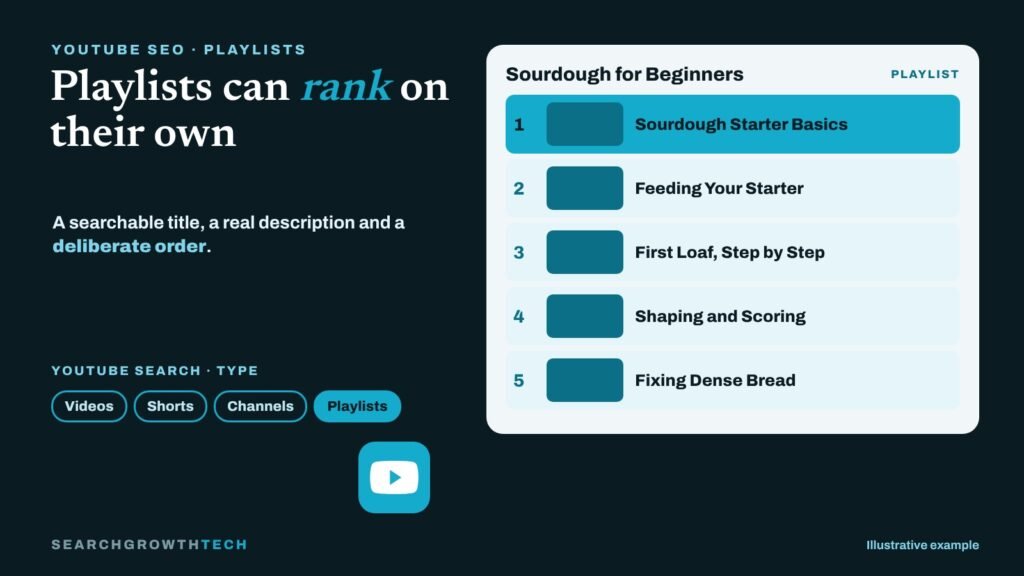
- Link them with playlists, end screens and cards.
- Keep information accurate and update or replace outdated videos.
YouTube SEO Myths to Ignore
| Myth | What the evidence says |
|---|---|
| “Tags are the key to ranking” | YouTube says tags play a minimal role in discovery |
| “Rename your video file with the keyword” | YouTube’s search documentation doesn’t mention file names. Your title and content matter far more |
| “Descriptions need 200 to 300 words” | There’s no official length. Write what’s useful, with a clear first two lines |
| “You can pay to rank higher” | YouTube says it doesn’t accept payment for better organic placement |
| “Everyone sees the same results” | YouTube personalizes results using search and watch history |
How to Check Whether It’s Working
- In YouTube Studio, open the video’s analytics.
- Check traffic sources and look at views from YouTube search.
- Open the search terms list to see which queries found the video.
- Compare impressions click-through rate and average view duration against your other videos.
- If click-through is low, test a new title or thumbnail. If watch time drops early, rework the opening on your next video.
For more video and search guides, browse our YouTube SEO coverage.
Key Takeaways
- YouTube search prioritizes relevance, engagement and quality, and personalizes results.
- Your title, thumbnail and description matter more than tags.
- Watch time for a specific query is a key engagement signal, so deliver on the title fast.
- Chapters need a 00:00 start, at least three timestamps, and 10-second minimum sections.
- Topical authority builds over a series of videos, not one upload.
- Use YouTube Studio’s search terms report to see what’s working.
FAQs
How Does YouTube Rank Videos?
YouTube says its search system prioritizes relevance, engagement and quality, and may personalize results using your search and watch history.
Do Tags Help You Rank on YouTube?
Very little. YouTube says tags play a minimal role in discovery, except when your topic is commonly misspelled.
How Long Does It Take to Rank on YouTube?
YouTube doesn’t give a timeline. Rankings depend on how well the video matches searches and how viewers respond, which builds as people find and watch it.
Can a Small Channel Rank on YouTube?
Yes, especially for specific searches where bigger channels haven’t made a focused answer. Narrow topics are easier to win.
What Is the Most Important YouTube Ranking Factor?
YouTube doesn’t name one. It says the importance of relevance, engagement and quality varies by search type.
Do Chapters Help YouTube SEO?
Chapters help viewers find the part they need, which supports engagement. They need a 00:00 start, at least three timestamps, and sections of 10 seconds or more.